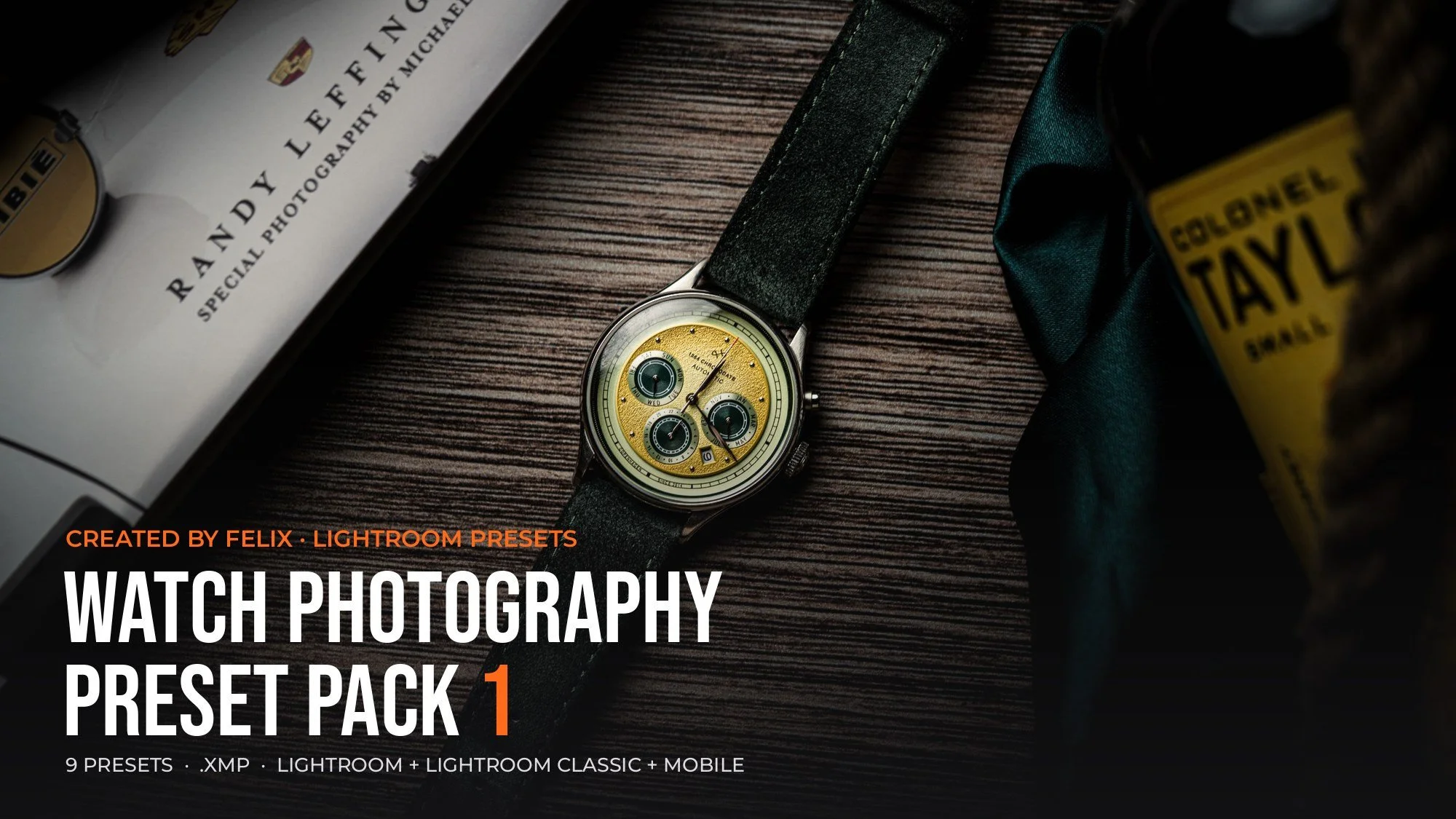
 Image 1 of 1
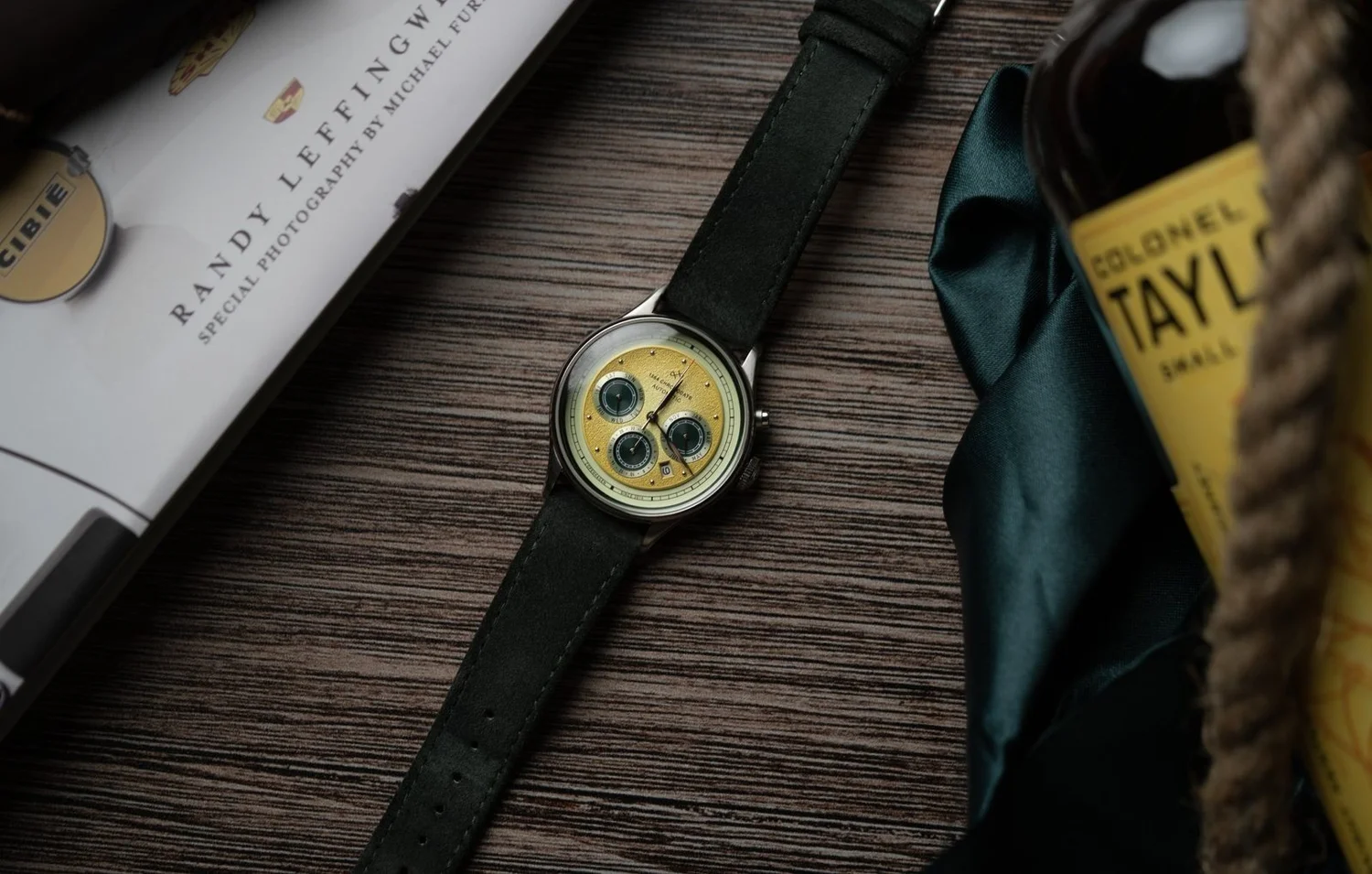
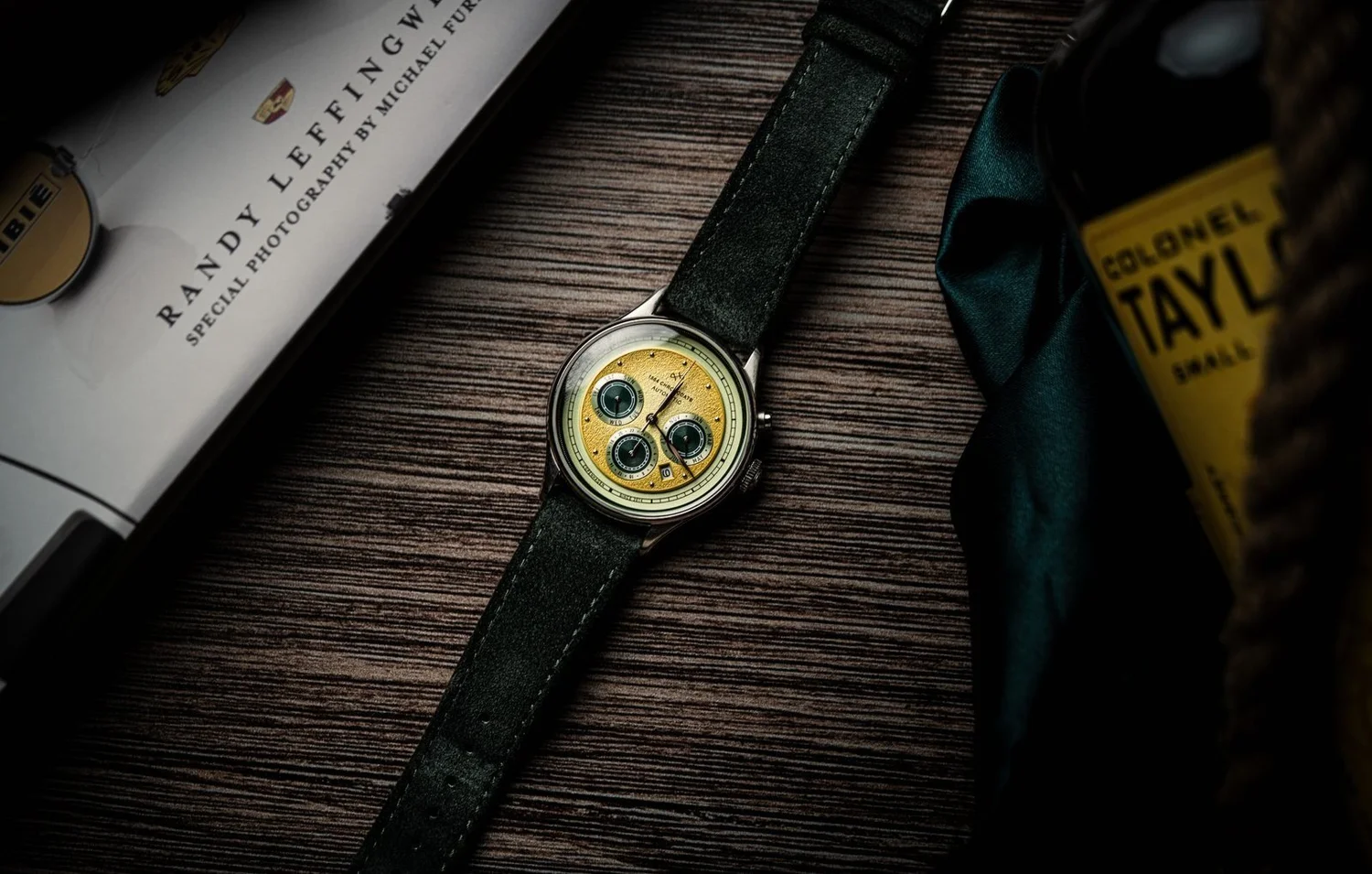
Before / After · Drag to compare
See what the presets do
Slide left to right to go from the original, straight out of camera, to the finished edit.
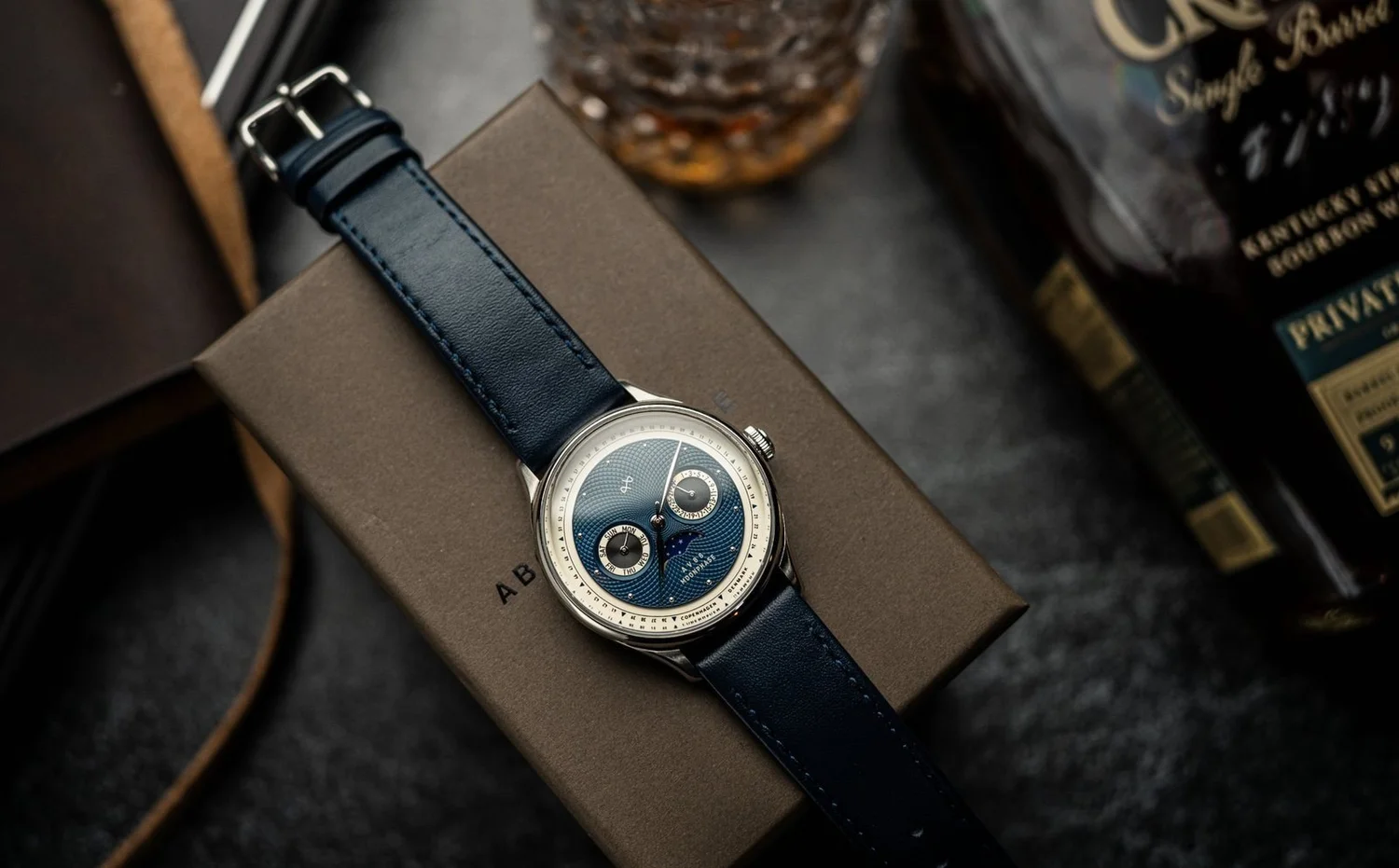
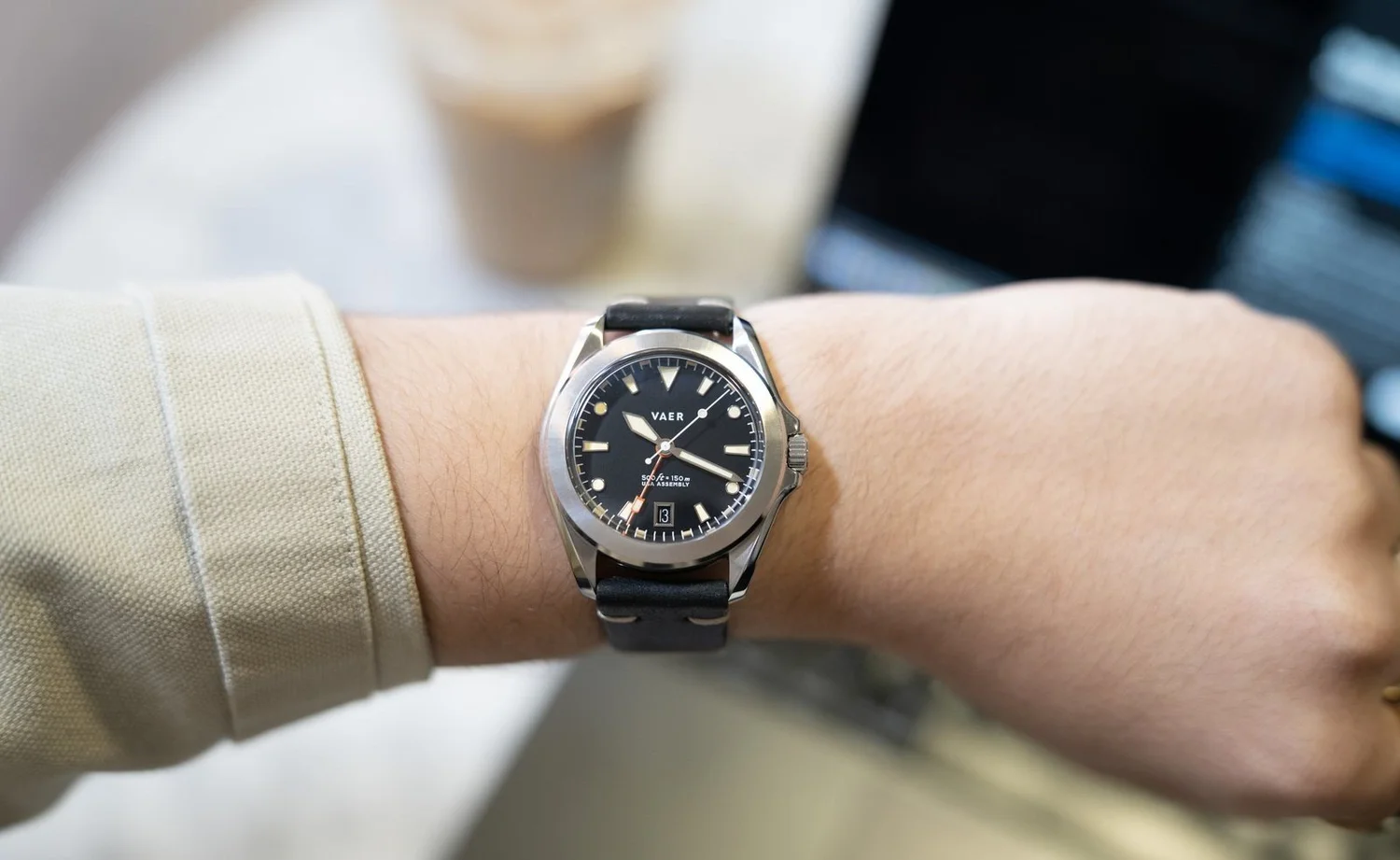
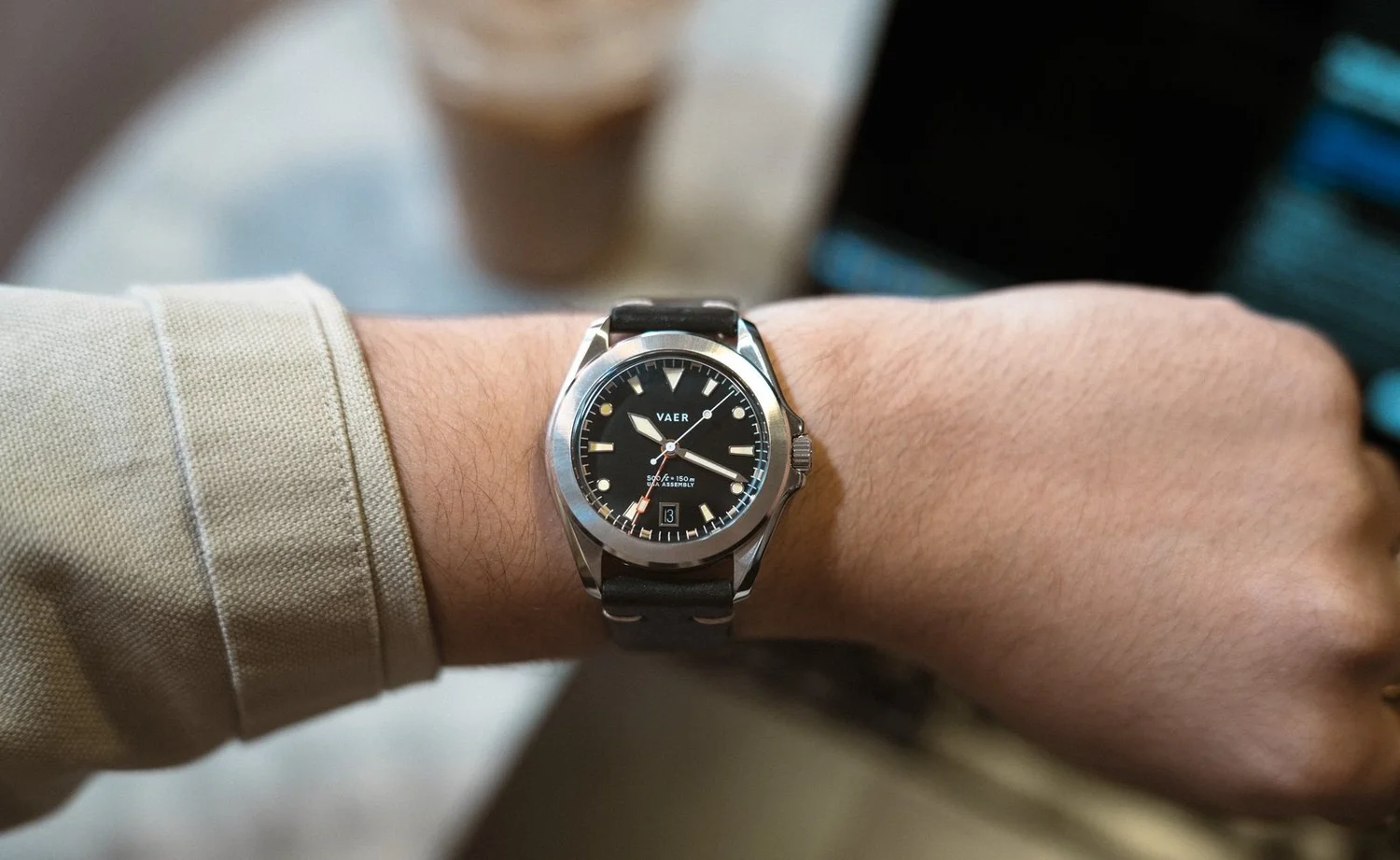
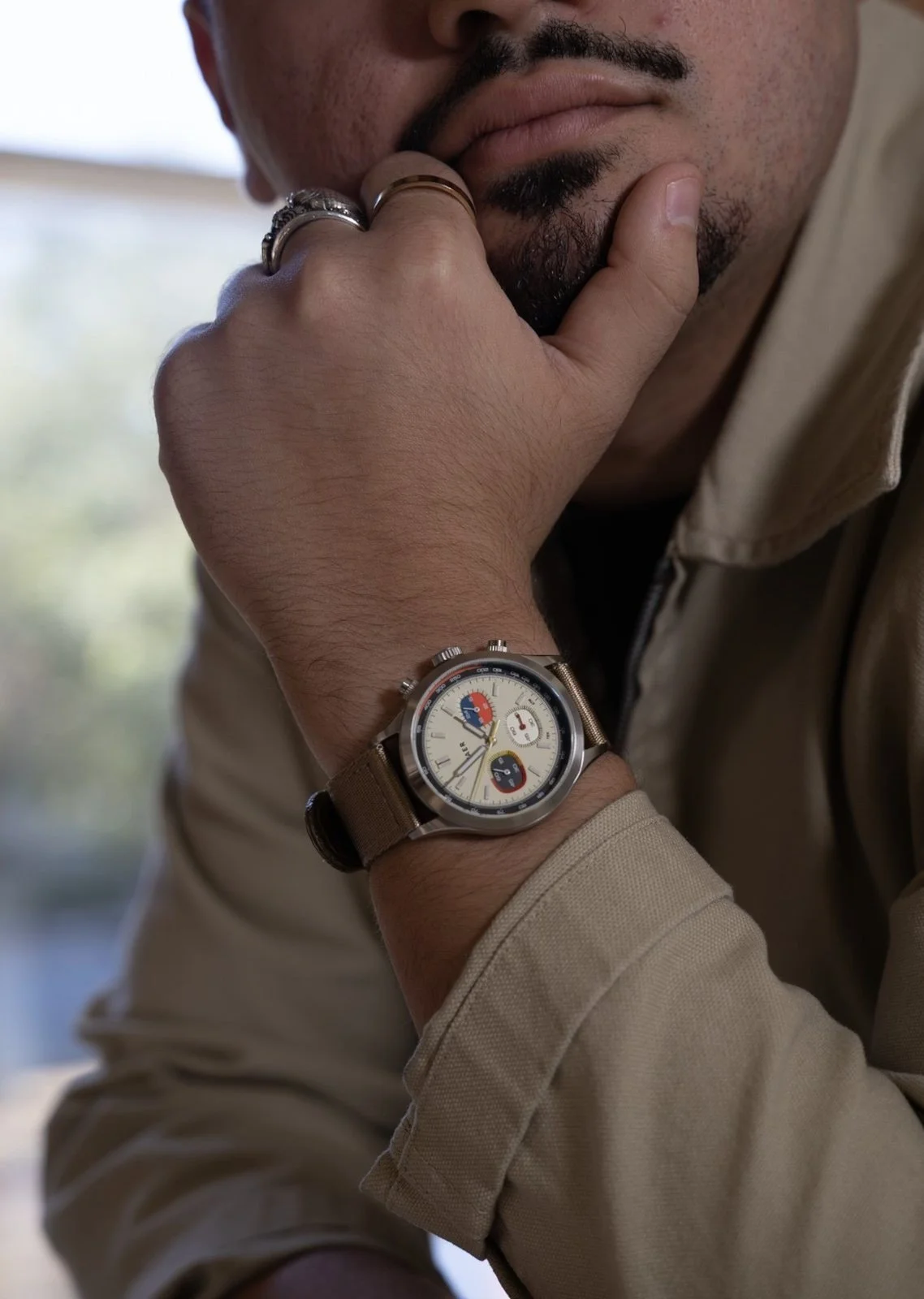
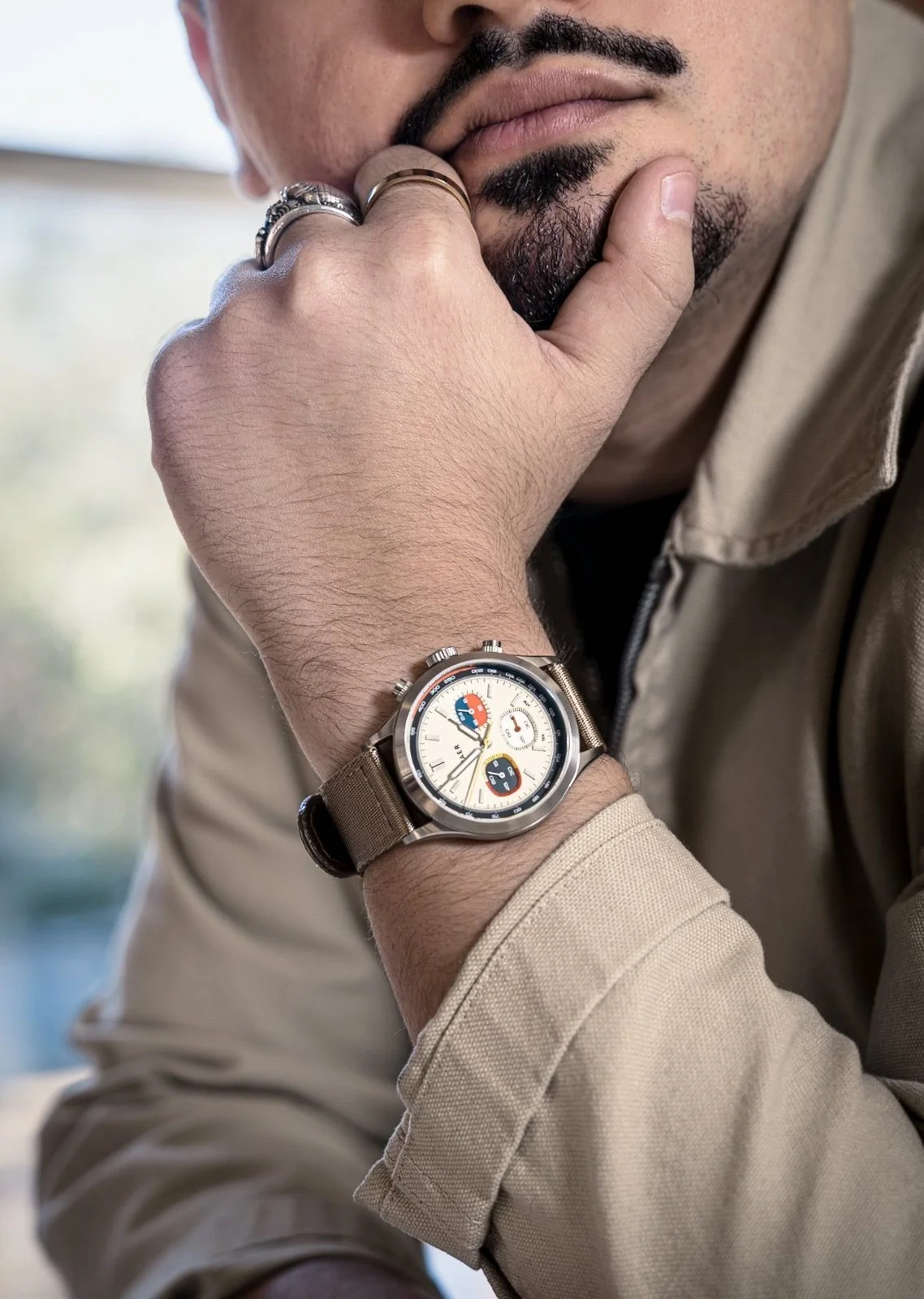
Built for watch photography, from the creative behind The Watch Bros.
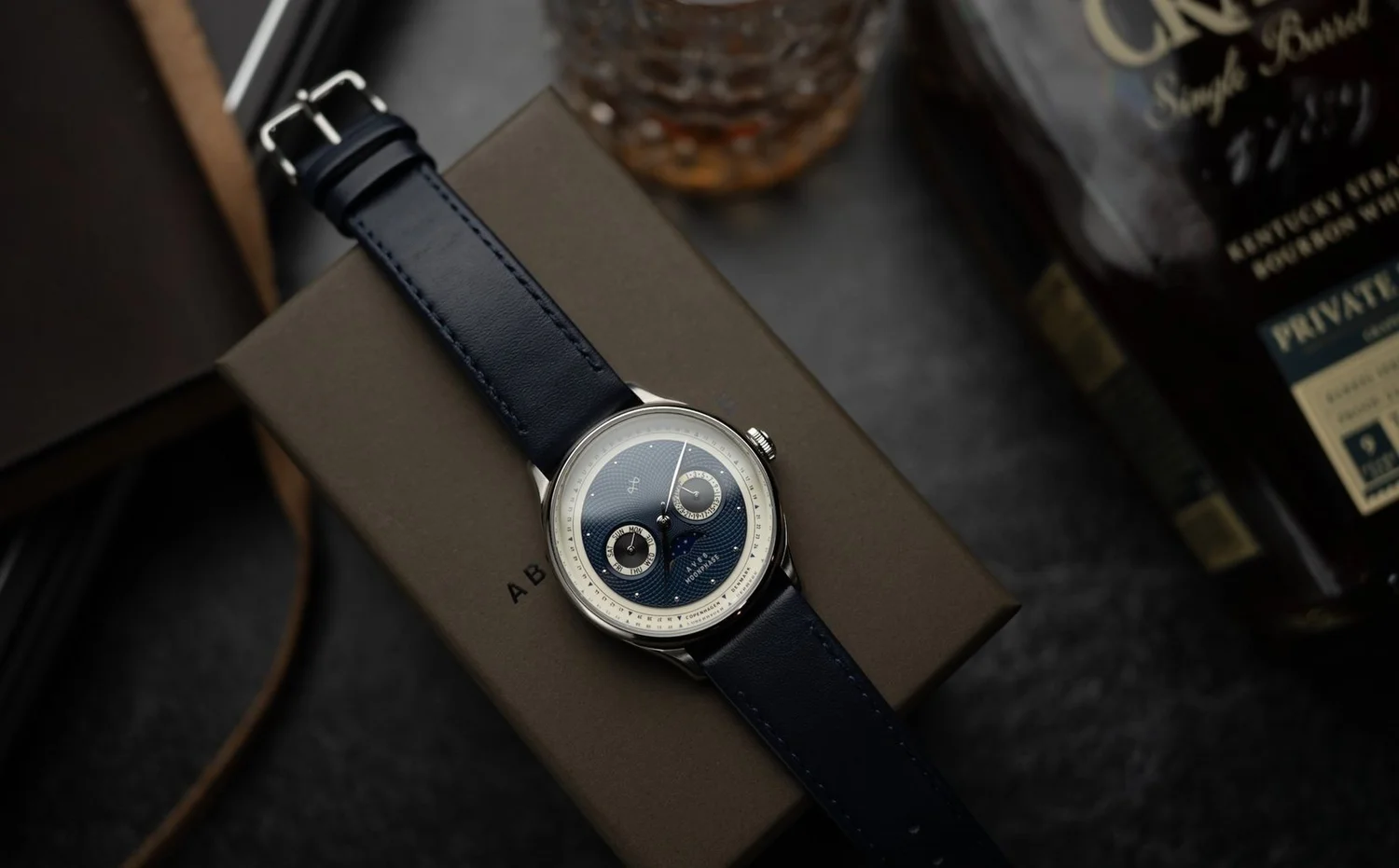
9 original Lightroom presets made with watch photographers and creatives in mind, but they work just as well for everyday shooting. Think wrist shots, dial close-ups, product details, or daily lifestyle flicks.
FROM CLEAN TO VINTAGE
Clean, Clean+, and Clean Cinematic v2
Crisp, true-to-life color that keeps the dial and finishing front and center, plus a more cinematic take when you want extra mood.
Grit and Grit+
More contrast and texture for a moodier shot with some edge to it.
Muted and Muted+
Softer, pulled-back color for a calm, editorial feel.
Vintage and Vintage+
Warm, faded tones with an old-film character.
Pick the mood that fits the shot. Every photo is different, so treat each preset as a starting point, then fine-tune exposure and white balance to suit your lighting.
HOW TO INSTALL
Unzip the download, then import the .xmp files through the Presets panel in Lightroom or Lightroom Classic. Presets added in Lightroom also sync to Lightroom mobile through your Adobe account.
WHAT'S INCLUDED
All 9 .xmp presets in one ZIP download: TWB - Clean, TWB - Clean+, TWB - Clean Cinematic v2, TWB - Grit, TWB - Grit+, TWB - Muted, TWB - Muted+, TWB - Vintage, and TWB - Vintage+. Digital product; no physical item.
Built for watch photography, from the creative behind The Watch Bros.
9 original Lightroom presets made with watch photographers and creatives in mind, but they work just as well for everyday shooting. Think wrist shots, dial close-ups, product details, or daily lifestyle flicks.
FROM CLEAN TO VINTAGE
Clean, Clean+, and Clean Cinematic v2
Crisp, true-to-life color that keeps the dial and finishing front and center, plus a more cinematic take when you want extra mood.
Grit and Grit+
More contrast and texture for a moodier shot with some edge to it.
Muted and Muted+
Softer, pulled-back color for a calm, editorial feel.
Vintage and Vintage+
Warm, faded tones with an old-film character.
Pick the mood that fits the shot. Every photo is different, so treat each preset as a starting point, then fine-tune exposure and white balance to suit your lighting.
HOW TO INSTALL
Unzip the download, then import the .xmp files through the Presets panel in Lightroom or Lightroom Classic. Presets added in Lightroom also sync to Lightroom mobile through your Adobe account.
WHAT'S INCLUDED
All 9 .xmp presets in one ZIP download: TWB - Clean, TWB - Clean+, TWB - Clean Cinematic v2, TWB - Grit, TWB - Grit+, TWB - Muted, TWB - Muted+, TWB - Vintage, and TWB - Vintage+. Digital product; no physical item.
Before / After · Drag to compare
Slide left to right to go from the original, straight out of camera, to the finished edit.